TalkCody 0.1.16 Released -- Chinese Support + Windows Optimization + Image Generation
TalkCody 0.1.16 is officially released with comprehensive Chinese language support, Windows platform optimization, image generation, and many more features
Today, TalkCody releases version 0.1.16 with multiple new features and improvements.
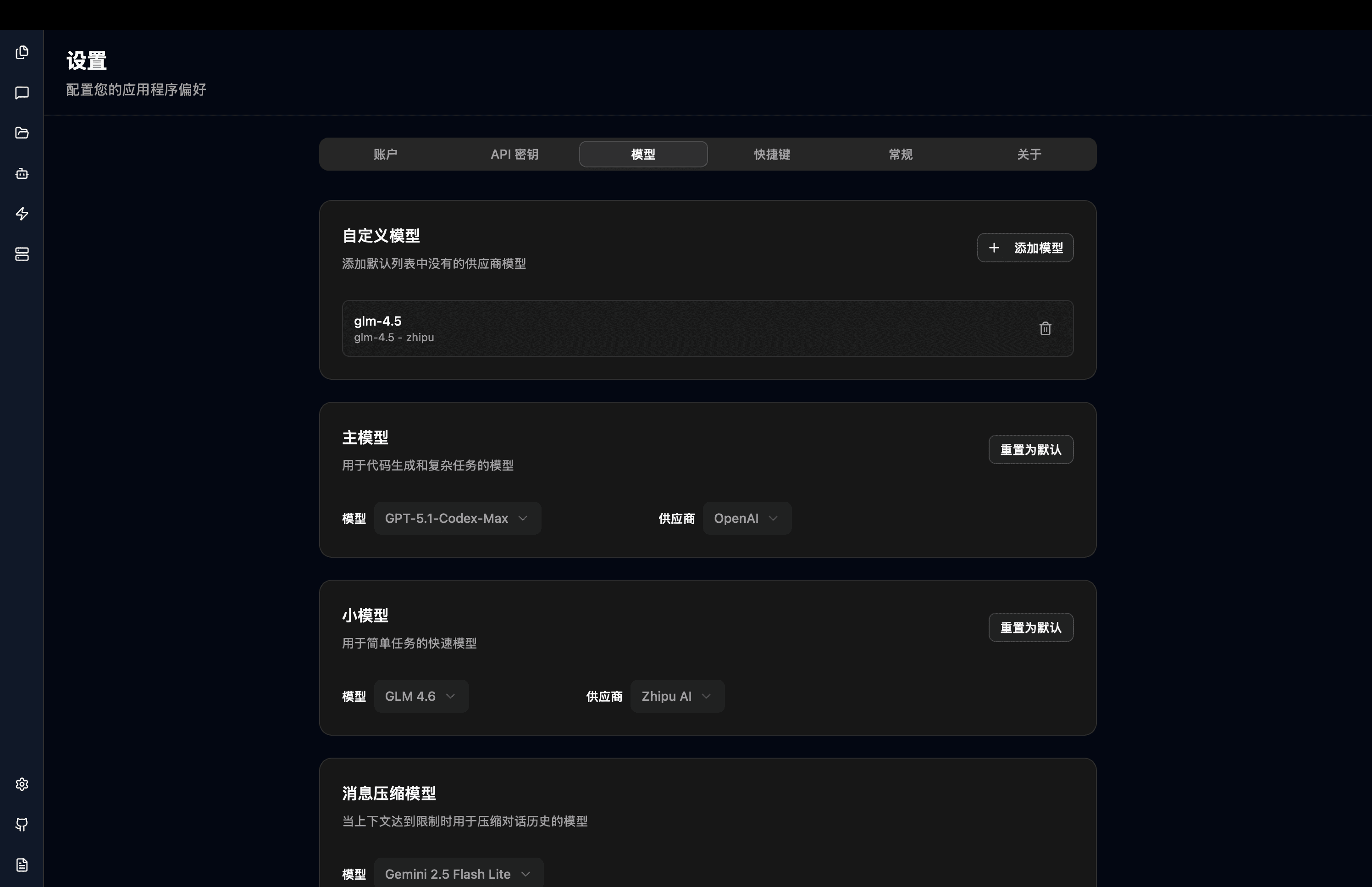
Comprehensive Chinese Language Support
TalkCody 0.1.16 introduces multi-language support, providing a better experience for Chinese users:
- The UI interface and operation prompts are fully localized in Chinese
- LLM response language automatically adapts to the system language
- Real-time voice input language automatically adapts to the system language
- Auto-generated message titles also use the system language
Windows Platform Experience Fully Optimized
- Fixed multiple compatibility issues caused by WebView
- Optimized Bash Tool compatibility on the Windows platform
Support for LM Studio Local LLMs
- Added LM Studio Provider to support connecting to LM Studio local LLMs
- TalkCody now supports local LLMs through both LM Studio and Ollama, meeting different users' privacy requirements
Built-in DeepSeek Provider, Supporting DeepSeek V3.2
- Built-in DeepSeek Provider with support for DeepSeek V3.2 model integration
- DeepSeek V3.2's Tool Call capability has significantly improved, supporting multi-turn tool calls. Testing shows it's particularly suitable for code repository Q&A scenarios
- For various questions about code repositories, DeepSeek V3.2 can provide accurate answers most of the time
- The downside of DeepSeek V3.2 is slower response speed. If speed is a priority, MiniMax M2 is a better choice
Default Model Changed to GPT 5.1 Codex Max
- GPT 5.1 Codex Max API was recently made available, and TalkCody has set it as the default main model
- GPT 5.1 Codex Max has capabilities comparable to SOTA models but offers better value—not only is the unit price lower, but automatic Prompt Cache further reduces usage costs
TalkCody Model Usage Best Practices
- Daily Development: Recommend using MiniMax M2 and GLM 4.7's Coding Plan as primary models, covering 80% of daily programming tasks with excellent cost-effectiveness
- Advanced Needs: GPT 5.1 Codex Max as a supplement can solve 80% to 90% of problems
- Complex Tasks: For the remaining 10% of challenging problems, try GPT 5.2 Codex and Gemini 3 Pro
- Non-coding Tasks: Providers like OpenRouter offer many free models that can be integrated with TalkCody; additionally, new models typically have free credits during initial release, worth trying
- Privacy Protection: Connect to local LLMs through LM Studio or Ollama for completely local data processing
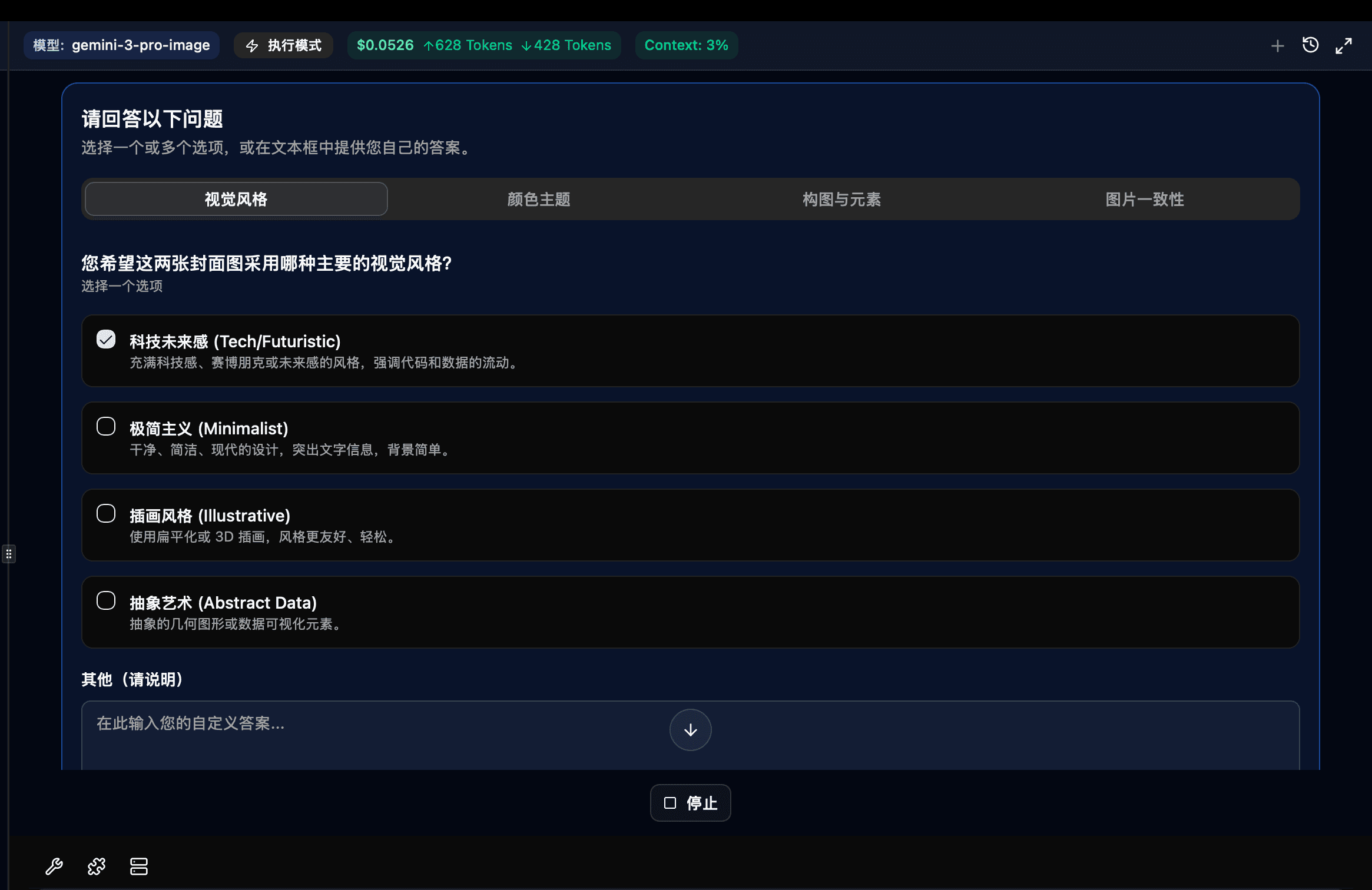
Support for Google Nano Banana Pro Image Generation
TalkCody 0.1.16 adds the Image Generator Agent, supporting image generation through Google Google Nano Banana Pro model, providing developers with convenient AI image generation capabilities.

TalkCody Roadmap
TalkCody's overall development plan is divided into three milestones:
- Milestone 1: Top AI Coding Agent
Goal: Generate runnable code at the lowest cost, fastest speed, and highest accuracy
- Milestone 2: AI Agent Covering Developers' Mainstream Workflows
Goal: Not just writing code, but integrating into team daily collaboration toolchains
- Milestone 3: AI Agent Covering Independent Developers' Complete Workflows
Goal: One person can operate like a company—from creative ideas to product launch to automated operations
For the complete Roadmap, please visit the TalkCody official website.
Welcome to experience TalkCody 0.1.16! We look forward to your feedback and suggestions. You're also welcome to participate in TalkCody's development and improvement to build a more powerful AI Coding Agent together!