
Shortcut Settings
Customize TalkCody's keyboard shortcuts to speed up your workflow.
Default Shortcuts
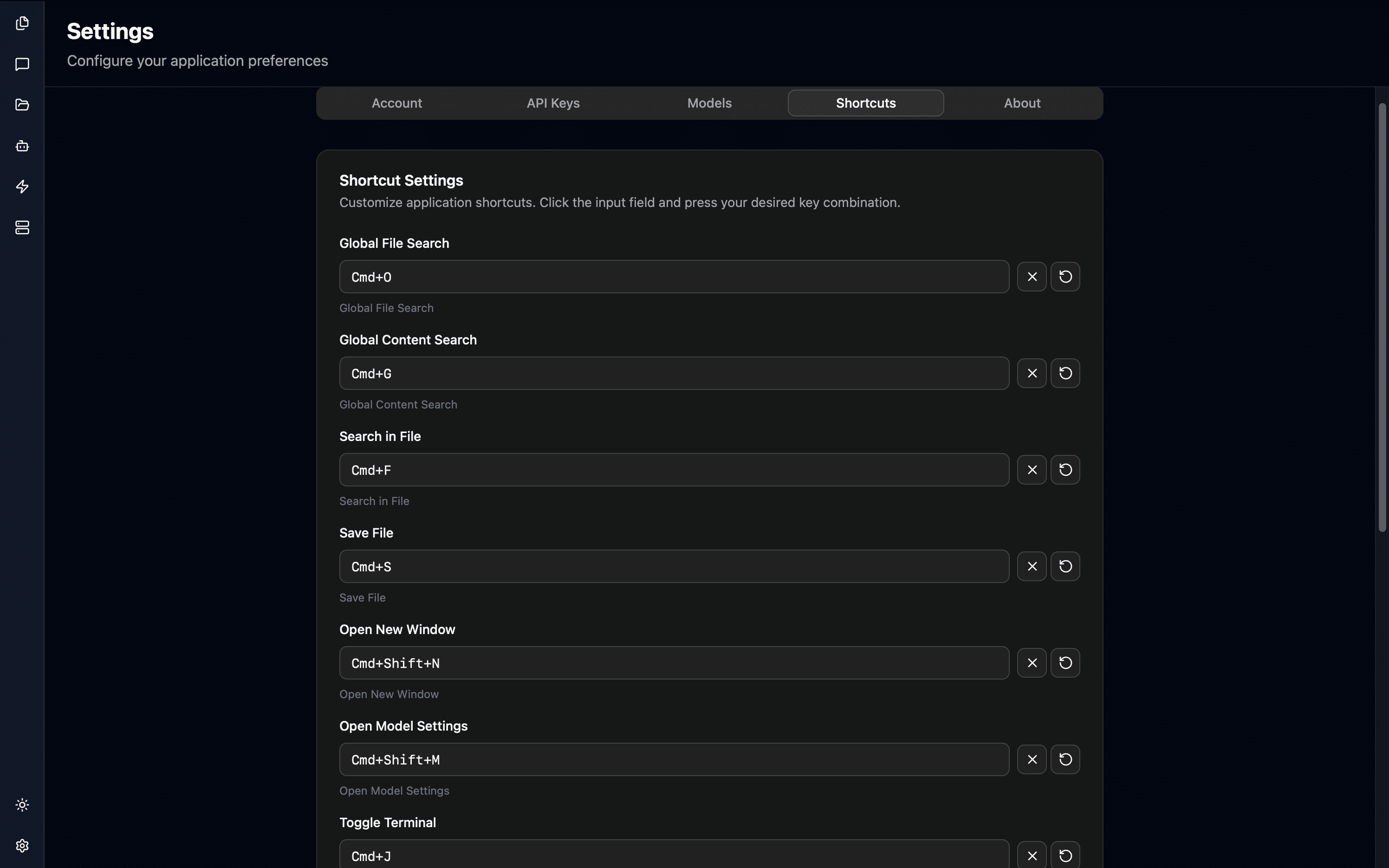
| Function | Mac | Description |
|---|---|---|
| Global File Search | Cmd + O | Search project files |
| Global Content Search | Cmd + G | Search file contents |
| Search Within File | Cmd + F | Current file search |
| Save File | Cmd + S | Save current file |
| New Window | Cmd + Shift + N | Open new window |
| Model Settings | Cmd + Shift + M | Open model settings |
| Open Terminal | Cmd + J | Open terminal |
| Next Terminal Tab | Cmd + → | Switch to next terminal tab |
| Previous Terminal Tab | Cmd + ← | Switch to previous terminal tab |
| New Terminal Tab | Cmd + T | Create a new terminal tab |
Custom Shortcuts
Settings Path: Settings → Shortcuts
- Click the shortcut input field you want to modify
- Press the new key combination
- Click "Save Settings"
Supported Modifier Keys:
- Cmd (macOS) / Ctrl (Windows/Linux)
- Alt / Option
- Shift
Quick Actions
- Reset Single: Click the reset button next to the input field
- Reset All: Click "Reset All to Defaults"
- Discard Changes: Click "Discard Changes"
Notes
- Avoid conflicts with system shortcuts
- Changes must be saved to take effect
- Some shortcuts may not be available in specific contexts