
Quick Start
Get started with TalkCody in minutes
Installation
Download and Install TalkCody
Download the latest version of TalkCody for your platform from the Client Downloads page.
Configure API Keys
Before using TalkCody, you need to configure at least one AI provider:
- Open TalkCody Settings page
- Click the API Keys tab
- Add an API key for your preferred provider
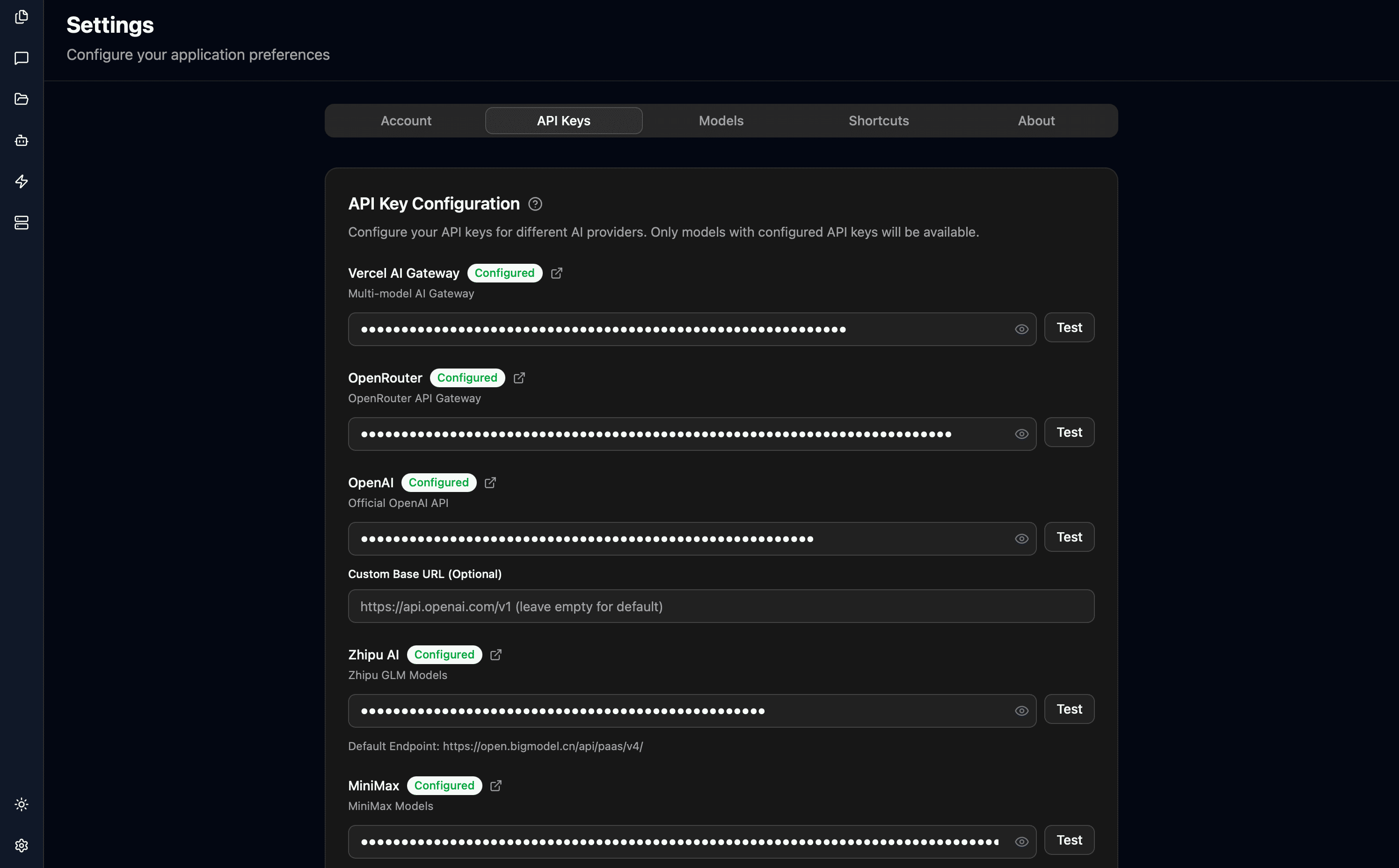
For details, refer to the Configure API Keys guide.
Configure Model
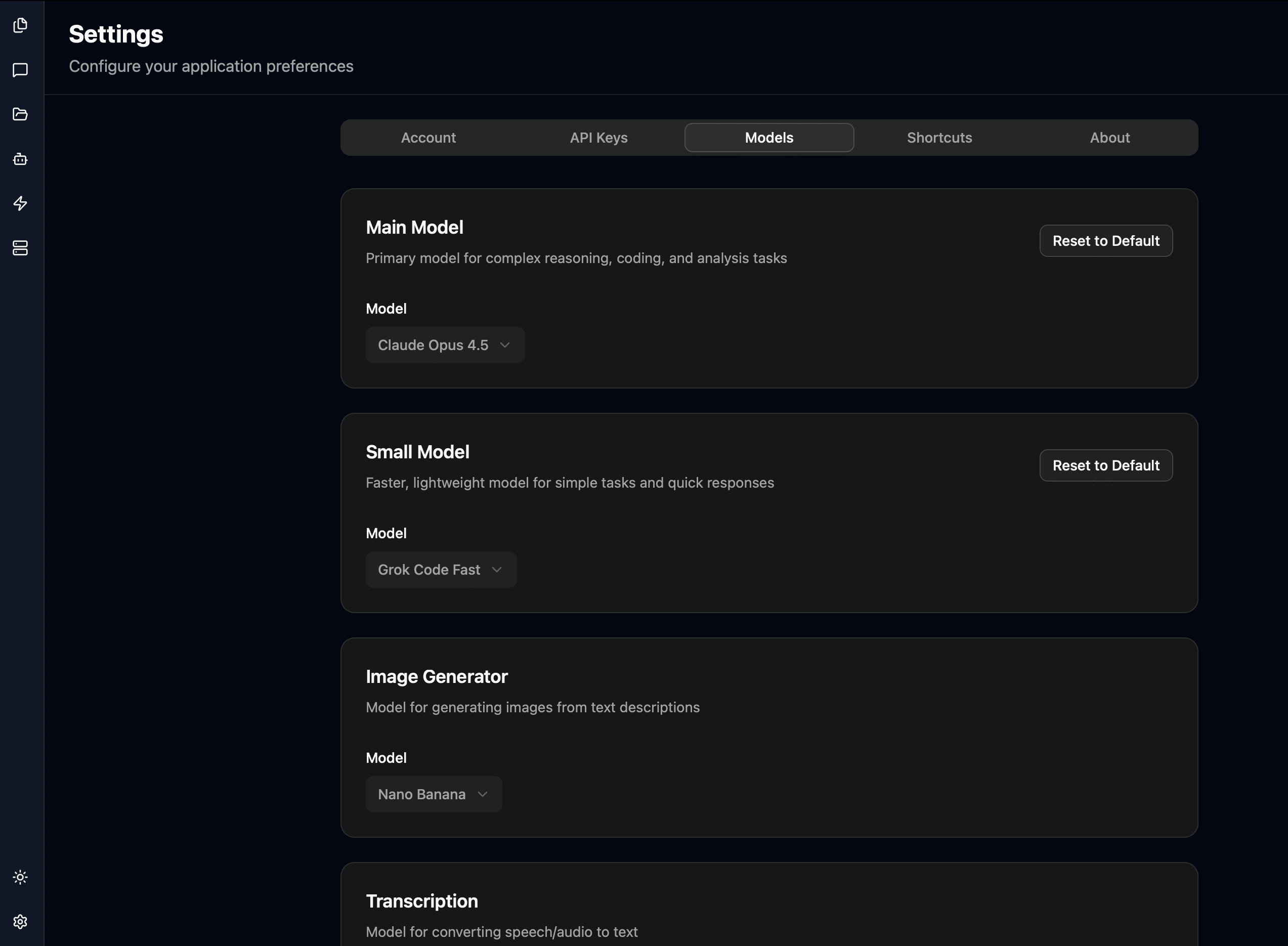
TalkCody currently uses Claude Haiku as the default model. You can change the model as needed:
- Open TalkCody Settings page
- Click the Model tab
- Select your preferred model
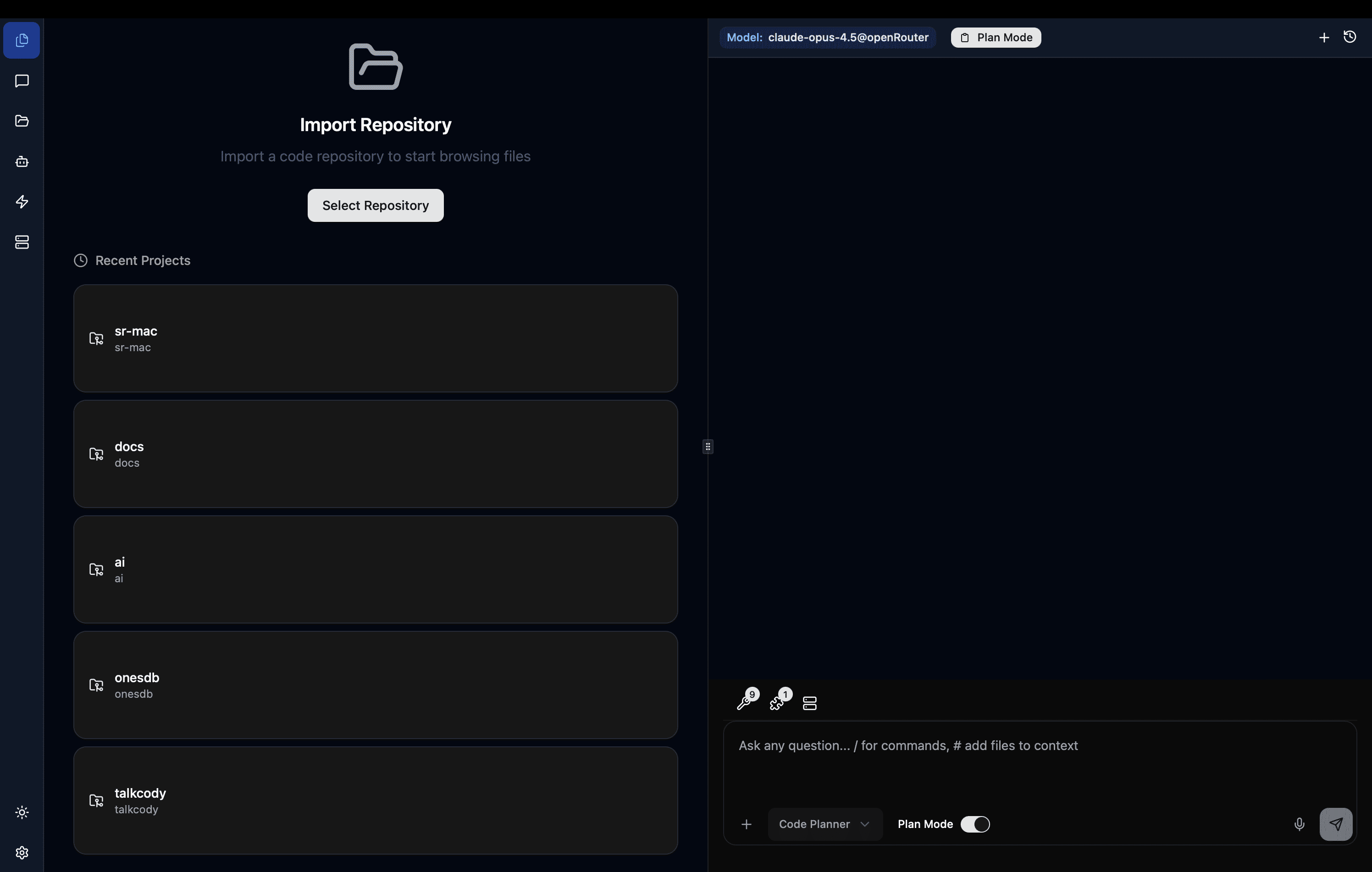
Start AI Coding
Now you're ready to start AI coding with TalkCody! You can ask TalkCody to help you:
- Write code
- Review code
- Generate tests
- Explain concepts
- Answer any questions about your codebase