
Search
A comprehensive guide to TalkCody's search features, including global file search, global content search, in-file search, and chat history search
Overview
TalkCody provides multiple search methods to help you quickly locate files, content, and code.
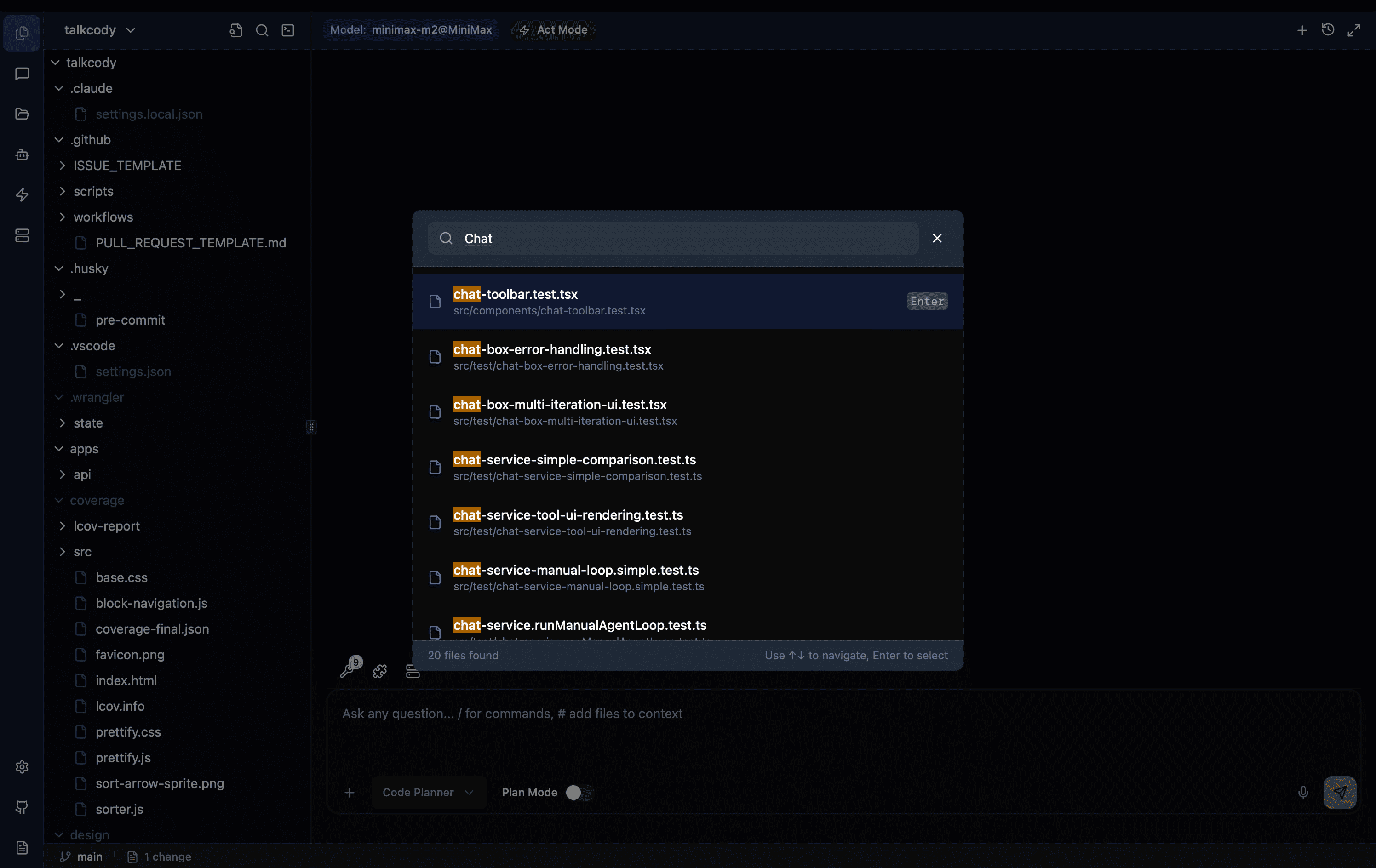
Global File Search
Global file search allows you to quickly locate files in your project by filename.
How to Open
- Use the shortcut
Cmd+O(macOS) /Ctrl+O(Windows/Linux)
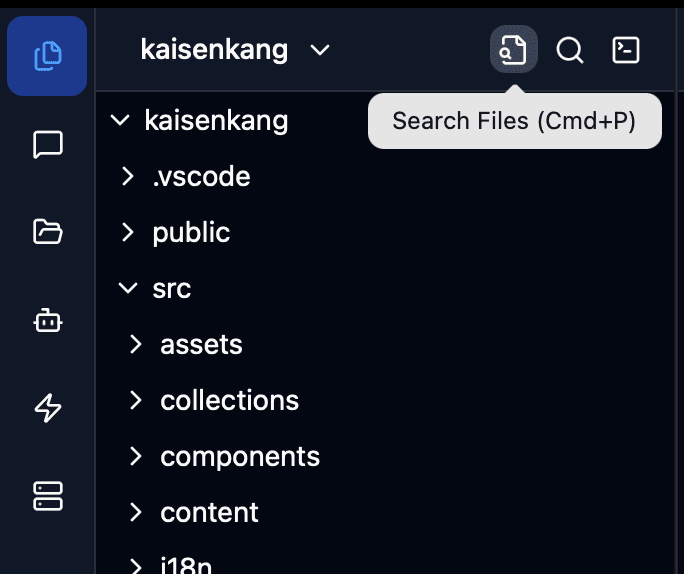
Search Operations
- Type the filename in the search box
- Search results will display in real-time
- Use
↑↓arrow keys to navigate results - Press
Enterto open the selected file - Press
Escto cancel the search
Features
- Multi-keyword Search: Use spaces to separate multiple keywords, matching files that contain all keywords. For example: typing
user authwill find files containing both "user" and "auth" - Line Number Jump: Supports
filename:line_numberformat to jump directly to a specific line. For example: typingtest.cpp:82will open the file and jump to line 82 - High Performance: Uses Rust backend for searching, supports large codebases
Keyboard Shortcuts
| Action | macOS | Windows/Linux |
|---|---|---|
| Open global file search | Cmd + O | Ctrl + O |
| Navigate search results | ↑ ↓ | ↑ ↓ |
| Open file | Enter | Enter |
| Cancel search | Esc | Esc |
Global Content Search
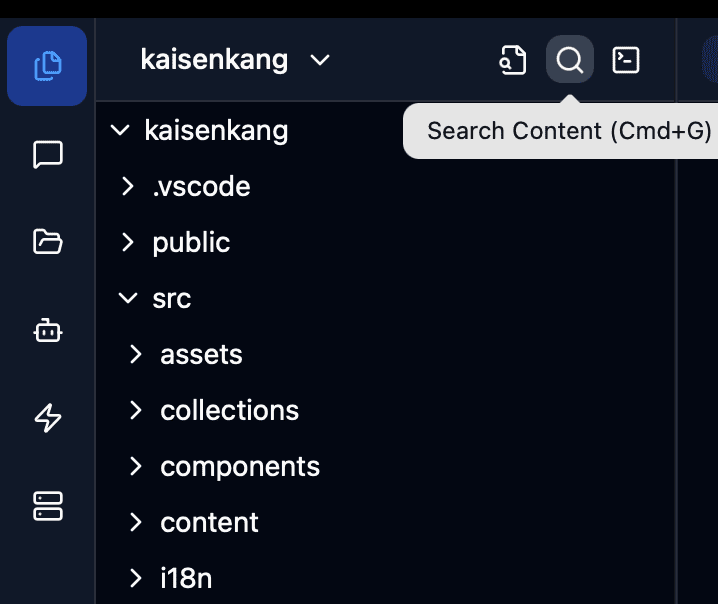
Global content search finds specified text content across all files in the entire project.
How to Open
- Use the shortcut
Cmd+G(macOS) /Ctrl+G(Windows/Linux)
In-File Search
In-file search finds text content within the currently open editor, using Monaco editor's built-in search functionality.
How to Open
- Use the shortcut
Cmd+F(macOS) /Ctrl+F(Windows/Linux)
Keyboard Shortcuts
| Action | macOS | Windows/Linux |
|---|---|---|
| Open in-file search | Cmd + F | Ctrl + F |
| Find next | Enter or F3 | Enter or F3 |
| Find previous | Shift + Enter or Shift + F3 | Shift + Enter or Shift + F3 |
| Close search | Esc | Esc |
In-file search uses Monaco editor's built-in search functionality, supporting advanced options such as regular expressions, case sensitivity, and whole word matching.
Chat History Search
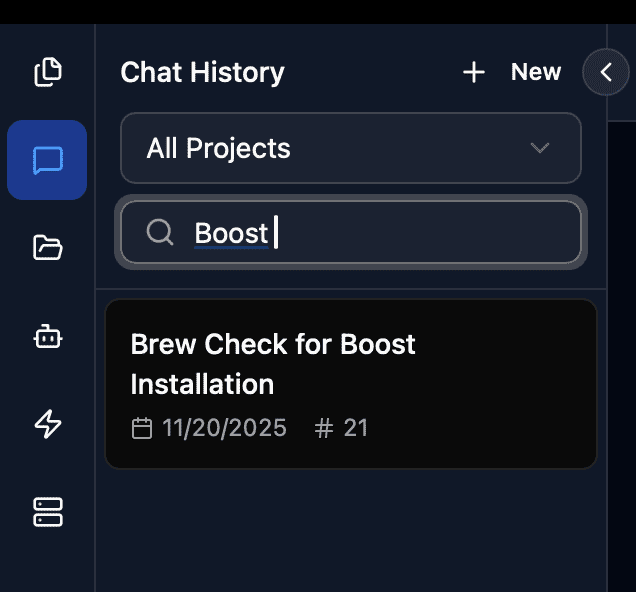
In the Chat history panel, you can search through previous conversation records.
How to Open
- Click the history icon on the Chat toolbar to open the history panel
Related Settings
You can customize search-related shortcuts in settings. See Shortcut Settings for details.